
Your LED wall isn’t “bad.” It’s just brutally honest. Big, bright screens don’t forgive mediocre visuals — they expose them.
Churches upgrade to LED expecting an instant leap in quality. Then the first Sunday hits and the wall looks harsh, distracting, or oddly cheap. Colours feel aggressive. Text feels too crisp. Motion looks jittery. And suddenly the projector you used to complain about is looking… kind of forgiving.
This guide breaks down why LED walls often look worse than projectors at first, what’s actually happening technically (in plain English), and how to choose motion backgrounds that make LED look premium instead of overpowering. No slides, no themes — just motion loops that behave.
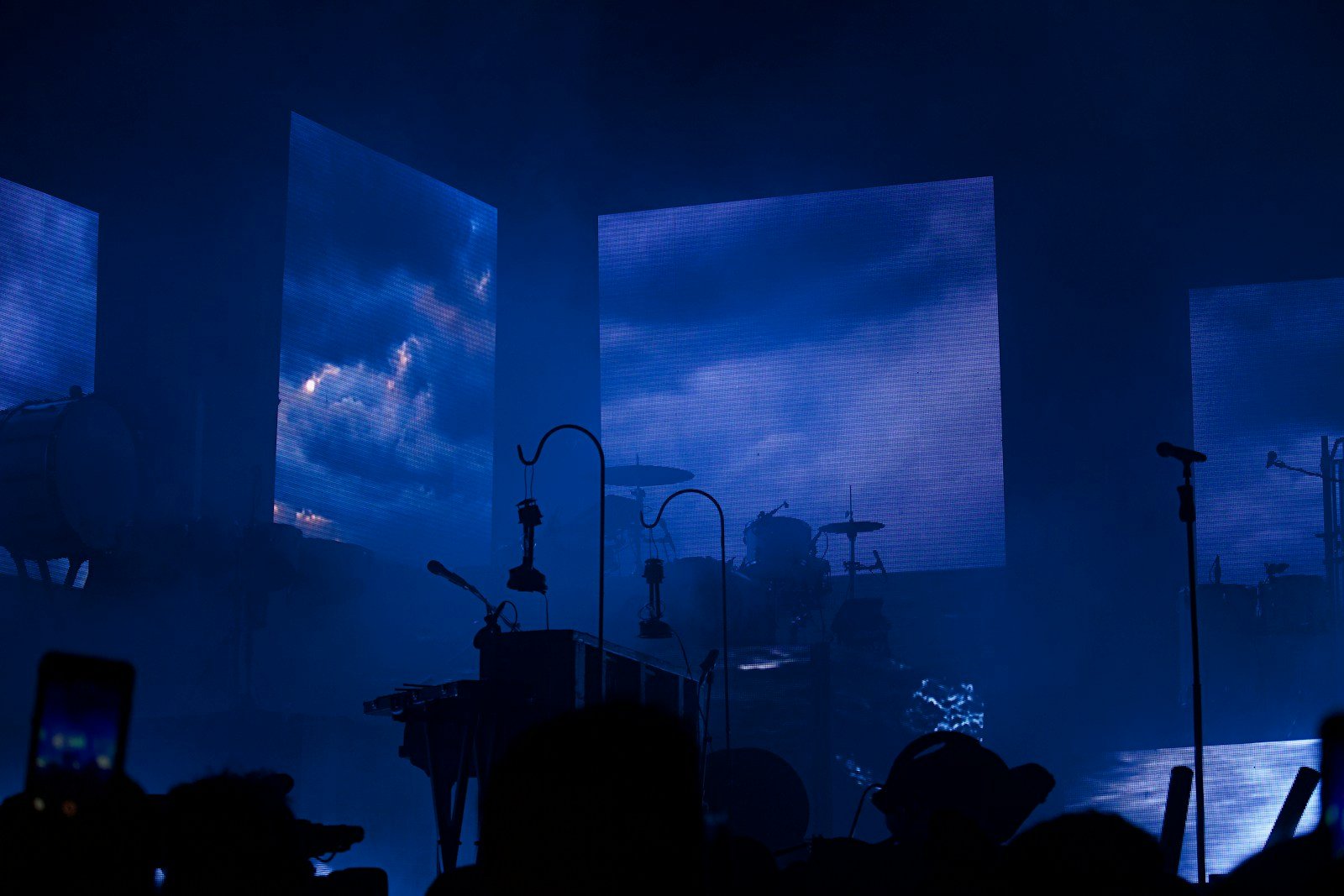

Why LED walls often look worse than projectors (at first)
A projector naturally softens everything. It reduces sharp edges, it mutes highlights, and it hides some of the “cheapness” in content. LED walls do the opposite. They’re bright, crisp, and unapologetic. If your visuals have noisy textures, high saturation, or harsh contrast shifts, LED will make that obvious.
So when people say “our LED looks worse,” what they usually mean is “our content wasn’t built for LED.” That’s fixable — and it doesn’t necessarily require a new wall processor or expensive calibration. It requires the right kind of motion backgrounds.
The three LED problems your motion backgrounds must solve
1) Over-bright highlights behind lyrics
LED makes bright areas feel even brighter. If your background has flares, glowing particles, or big white patches drifting behind the lyric block, the text will feel like it’s floating in glare. That’s when people stop reading comfortably.
2) Texture that looks “busy” at scale
Fine grain, repeating patterns, sharp lines, and high-frequency detail can look premium on a laptop and chaotic on a massive wall. LED turns that texture into visual noise. The fix is simple: softer textures, larger shapes, fewer sharp edges.
3) Motion that feels too “active”
Even subtle motion can feel intense on LED because the screen is bright and large. If motion is fast or directional, the room will feel the pull. For lyrics, the safest choice is slow ambient movement that doesn’t create a focal point of its own.
“LED doesn’t make content better. It makes content louder. The fix isn’t more visuals — it’s more restraint.”
How to choose motion backgrounds that make LED look premium
If you’re selecting motion backgrounds for LED, your priority is not “impact.” It’s control. Look for loops that hold a consistent luminance level, avoid bright hotspots, and keep texture soft. LED rewards calm design because the screen itself already brings intensity.
A practical checklist:
- Stable brightness (no flashes, flares, or sweeping highlights)
- Soft texture (no sharp patterns or fine detail behind lyrics)
- Slow motion (ambient drift, not “movement you can feel”)
- Controlled colour (muted palettes read more premium on LED)
- One background per song (consistency looks intentional)
Common mistakes that make LED worship visuals look cheap
Most LED problems aren’t the wall — they’re the content choices. These mistakes are the usual culprits:
- Over-saturated colours that feel aggressive at brightness
- High-detail textures that turn into visual noise at scale
- Motion that’s too fast for lyrics and pulls attention away
- Contrast swings where bright elements drift behind the words
- Constant switching that makes the whole set feel chaotic
Quick wins in 10 minutes (before your next service)
If you need a fast improvement, don’t overhaul everything. Fix the worst offenders and standardise a calmer look.
- Swap any “flashy” loop for a slower, softer motion background.
- Choose one background per song (stop switching mid-song).
- Lower background brightness slightly if your LED feels harsh.
- Move the lyric block away from the brightest parts of the loop.
- Test from the centre of the room — not just the desk.
Where Church Visuals fits
If you’ve upgraded to LED, you don’t need more “options.” You need backgrounds that behave on bright, large screens: stable luminance, slow motion, and soft texture that stays readable behind lyrics. That’s exactly why Church Visuals focuses only on premium worship motion loops — designed for live lyrics and modern church aesthetics, not generic video backgrounds.
