
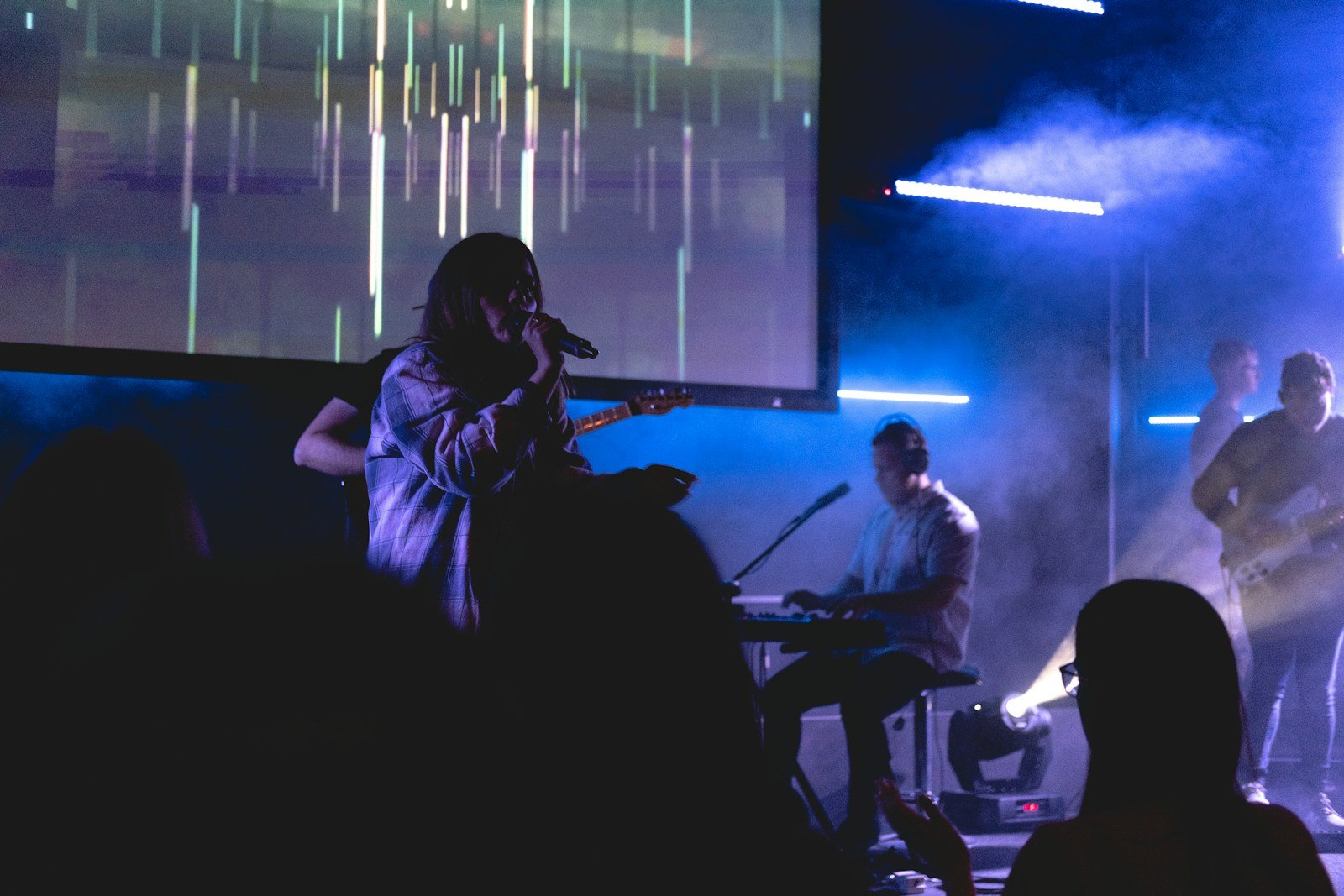
If your visuals look great on one screen but awful on another, it’s not your content — it’s the display.
LED walls and projectors behave very differently. Motion backgrounds that look clean and premium on an LED wall can become muddy, distracting, or unreadable on a projector — and vice versa. Most churches don’t account for this, which is why visuals feel inconsistent week to week.
This guide breaks down how to choose worship motion backgrounds that actually work for your setup — without getting overly technical, and without forcing volunteers to guess.


Why LED walls and projectors behave so differently
LED walls are bright, punchy, and unforgiving. They expose contrast issues, colour oversaturation, and bad motion instantly. Projectors are softer, more forgiving — but struggle with fine detail, brightness, and texture.
That’s why the same worship motion background can feel premium on one system and unreadable on another.
Choosing motion backgrounds for LED walls
LED walls amplify everything — especially mistakes. Motion backgrounds that work best here tend to be restrained and controlled.
For LED walls, prioritise:
- Lower saturation and softer colour gradients
- Minimal highlights behind lyric areas
- Very slow, ambient motion
- Clean negative space for text
Choosing motion backgrounds for projectors
Projectors struggle with contrast and fine detail. Busy textures turn muddy fast, and darker scenes can lose definition entirely.
For projector setups, look for:
- Simpler textures with gentle gradients
- Mid-tone backgrounds rather than pure black
- Stable brightness across the loop
- Motion that doesn’t rely on subtle detail
“The screen doesn’t adapt to your visuals — your visuals have to adapt to the screen.”
Common mistakes churches make
These issues come up constantly:
- Using LED-optimised motion on projectors
- Assuming “4K” automatically means “better”
- Over-saturating colours on bright screens
- Not testing from the back of the room
Quick wins you can apply immediately
If visuals aren’t working right now:
- Reduce background brightness slightly.
- Slow down motion wherever possible.
- Swap detailed textures for softer gradients.
- Check readability from the furthest seat.
What great looks like
Great visuals feel consistent regardless of screen type. The lyrics stay clear. The motion stays calm. Volunteers aren’t compensating on the fly. When motion backgrounds are designed with real rooms in mind, the technology fades into the background — exactly where it should be.
