
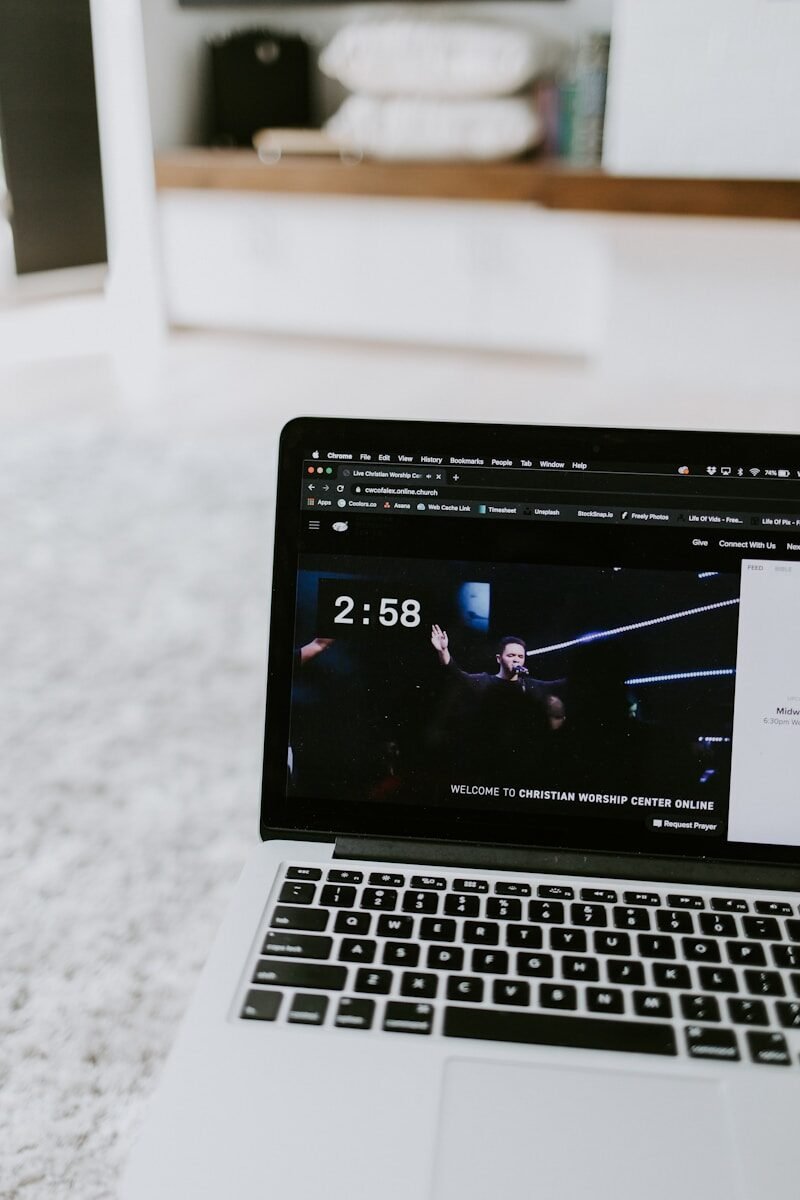
Most churches design their screens for the room. The livestream camera has other ideas.
Motion backgrounds that look sharp and controlled in a dark auditorium can turn washed-out, pixelated, or unreadable the moment a camera compresses them for broadcast. Your online congregation isn’t watching what’s in the room — they’re watching a compressed, re-exposed, re-encoded version of it.
This is one of the most common disconnects in modern church production. And it’s entirely fixable.


What’s happening
The shift to hybrid church — where in-person and online congregations exist simultaneously — has made screen design more complex. Most churches treat both as a single output. They’re not.
A camera sensor processes light and contrast differently than the human eye. What appears as subtle, ambient motion in person can read as distracting flicker on stream. A background that feels dark and moody in the room can turn flat and crushed at 720p. A lyric slide with acceptable contrast live might be completely unreadable once it’s been compressed through your encoder.
The problem isn’t your resolution. It’s the workflow.
Why it matters
Your online congregation is likely larger than you think. Across most churches with active livestreams, online viewership regularly matches or exceeds in-person attendance — especially during major services.
These viewers are watching on phones, laptops, and TVs. Often in bright rooms. Often on small screens. Often while doing something else.
Poor visual quality on stream communicates something before a single word is spoken. It signals that the experience wasn’t designed with them in mind. Whether or not that’s true, it’s what gets communicated.
What the camera actually sees
The core issue is that cameras and compression algorithms don’t experience motion backgrounds the way a person does standing in a worship space. Three things go wrong most often.
Autoexposure interference. Cameras try to compensate for changing light. A motion background with shifting brightness — even subtle shifting — causes the camera to continually re-expose. The result is a slow brightness pulse on your stream that looks completely different from what’s showing in the room.
Compression artifacts on gradients. Video codecs handle smooth gradients badly at lower bitrates. What looks like a clean, soft colour transition in the room becomes banded, blocky noise on stream — especially in darker tones. The more subtle the gradient, the worse it compresses.
Text legibility at reduced sizes. A lyric slide readable from the back of a 400-seat auditorium may be marginal on a phone screen. Contrast ratios and font weight matter more when the viewing surface is smaller and the room is brighter.
“The room looks great. The stream looks different. Until you watch your own broadcast, you won’t know which one your congregation is actually experiencing.”
What to do differently
Fixing this doesn’t require two separate systems. It requires thinking like both audiences at the same time.
- Test your actual stream output. Pull up your broadcast on a phone and a laptop before the service starts. Not the camera feed — the live stream. The encoded output at the quality your congregation actually watches.
- Favour stable luminance in motion backgrounds. Choose content with consistent brightness throughout the loop. Avoid backgrounds with significant light-to-dark shifts — these are autoexposure triggers.
- Increase text contrast margins. If your lyric text looks comfortable in the room, it needs more contrast for stream. White text on dark backgrounds with a clean, uncluttered text zone is the most reliable option across both environments.
- Slow motion down further. Fast or complex motion compresses badly. Slow, ambient motion handles compression cleanly. If it looks fast in person, it will look chaotic on stream.
- Check at 480p. A significant portion of your audience watches at lower quality settings. Run your stream quality test at 480p — not just 1080p — before you decide it’s fine.
The standard to aim for
The goal isn’t separate workflows for room and stream. The goal is motion backgrounds designed from the start to perform well in both contexts — controlled enough that the camera isn’t fighting the content, and legible enough that every viewer, wherever they’re watching from, can follow along without effort.
When the visuals work consistently across both environments, production disappears. The room stays focused. The stream stays clean. That’s what this is all for.
Church Visuals backgrounds are built for working church setups — designed to hold up in real rooms, through real cameras, to real screens. Browse the collection.
