
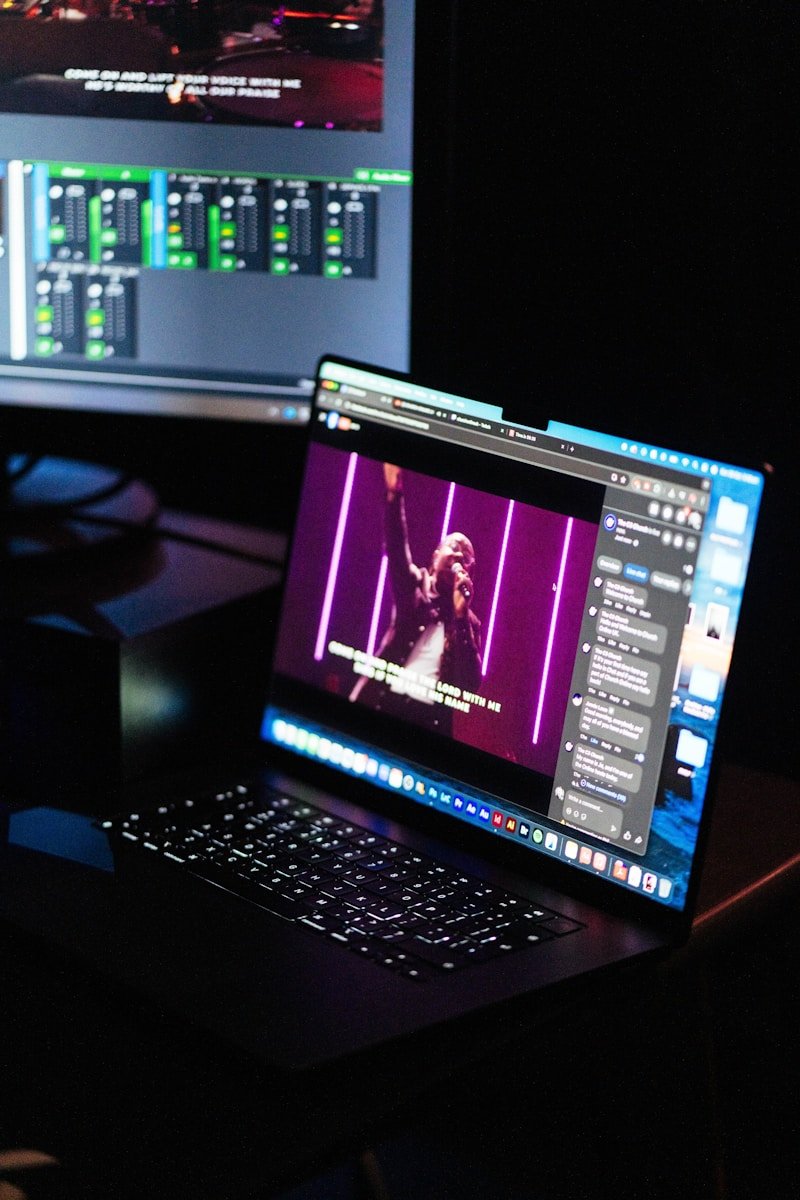
If your visuals only “work” when one specific operator is on — your workflow is broken. ProPresenter should feel repeatable, calm, and volunteer-proof.
Most Sunday stress comes from the same root problem: decisions happen too late. People are hunting for backgrounds in the moment, mixing file types, tweaking text colours mid-rehearsal, and improvising under pressure. That’s how motion backgrounds become distracting and services start feeling visually messy.
This guide gives you a simple ProPresenter workflow that keeps motion backgrounds consistent, readable, and easy for volunteers — even if they’re new, even if they’re nervous, even if it’s a last-minute rota swap.


The goal: remove decisions from Sunday
“Volunteer-proof” doesn’t mean basic. It means repeatable. The workflow works when the same service looks consistent whether it’s run by your most experienced media lead or a first-time operator. That happens when you reduce variables: fewer background choices, fewer last-minute tweaks, and a clear rule for where motion backgrounds live in ProPresenter.
The volunteer-proof ProPresenter workflow (step-by-step)
This workflow is designed for real church teams: limited time, rotating volunteers, and a Sunday schedule that moves fast. The aim is clarity and consistency, not complexity.
Step 1: Build a small “approved” background set
The biggest mistake teams make is giving volunteers an endless library and expecting consistent results. Create a short list of backgrounds that you know work for lyrics. Think 8–15 options, not 300.
Your “approved set” should be mostly slow, ambient motion with stable contrast and minimal texture. If a background looks cool but makes lyrics harder to read, it’s not approved. Simple.
Step 2: Decide your default look (so volunteers aren’t guessing)
Most consistency comes from having a default. Pick one “go-to” background that works for most songs. Then have a handful of alternates for specific moments (reflective, celebratory, transition).
When the default is strong, you stop needing a new background for every song. The service instantly feels more cohesive.
Step 3: Set the rules for motion (speed, switching, and readability)
Volunteers don’t need “creative freedom.” They need rules that protect the room. Your rules can be simple:
- One background per song (no switching mid-song unless there’s a clear reason)
- Slow motion only for lyrics (anything rhythmic is for transitions, not worship)
- Test readability from the back of the room, not just at the desk
Step 4: Prep the service before Sunday (the “no panic” setup)
The best time to choose backgrounds is not Sunday morning. It’s when you’re calm. Aim to set backgrounds when you build the service, then lock it. If you use Planning Center, this is the moment you match songs to looks while the set is fresh in your mind.
This is also where curated libraries help. Church Visuals is built for teams who want motion loops that behave behind lyrics: slow movement, controlled texture, stable contrast. It makes the “approved set” part easy because you’re not filtering out loads of unusable options.
“If your system relies on one ‘hero’ operator, you don’t have a system. Build a default that anyone can run calmly.”
Common mistakes that make ProPresenter feel stressful
These are the predictable mistakes that turn motion backgrounds into chaos. Fixing them is usually the difference between a calm service and a frantic one.
- Too many options — volunteers end up scrolling and second-guessing instead of running the service.
- Last-minute background decisions — anything chosen under pressure is usually inconsistent.
- Switching looks constantly — variety feels messy; consistency feels premium.
- Not testing in the room — a background can look fine on a monitor and fail in the space.
- Using motion that’s meant for hype — fast motion belongs in transitions, not under lyrics.
Quick wins in 10 minutes (before the next service)
If you don’t have time to rebuild everything, do this: simplify, standardise, and lock the set. These quick wins reduce stress instantly.
- Pick one default readable motion background for most songs.
- Remove the “busy” options from the volunteer view (even temporarily).
- Use one background per song and stop switching mid-song.
- Check readability from the back of the room for one key song — fix that first.
- Write one sentence of rules in your volunteer notes: “Slow motion, one background per song, test from the room.”
What great looks like (the calm, consistent version)
A great ProPresenter workflow feels quiet. The service looks consistent from start to finish. The lyrics are readable from the back. Volunteers aren’t improvising. And the visuals never need to be “noticed” to be effective — they simply support the room.
If you want to make this even easier long-term, build your “approved set” from a curated library of worship motion loops designed specifically for lyrics (not generic video backgrounds). That’s the difference between searching and selecting.
